
AI Assistant Store
Descript AI Video Editing - Custom Platform (Paid) Business AI
Descript AI Video Editing - Custom Platform (Paid) Business AI
Access This AI Via Link At Bottom Of Page
Descript – The AI Video & Podcast Editing Workspace for Script-to-Screen Creation
Turn your raw takes into polished videos and podcasts - fast. Descript lets you record, transcribe, edit, and publish in one place, so editing feels as simple as typing in a doc. Add powerful AI for cleanup, gaze correction, background swaps, and script-to-video generation. From solo creators to full teams, Descript becomes your end-to-end studio.

Key Features & Benefits of Descript
🎯 Edit Video Like a Doc - Text-Based Editing
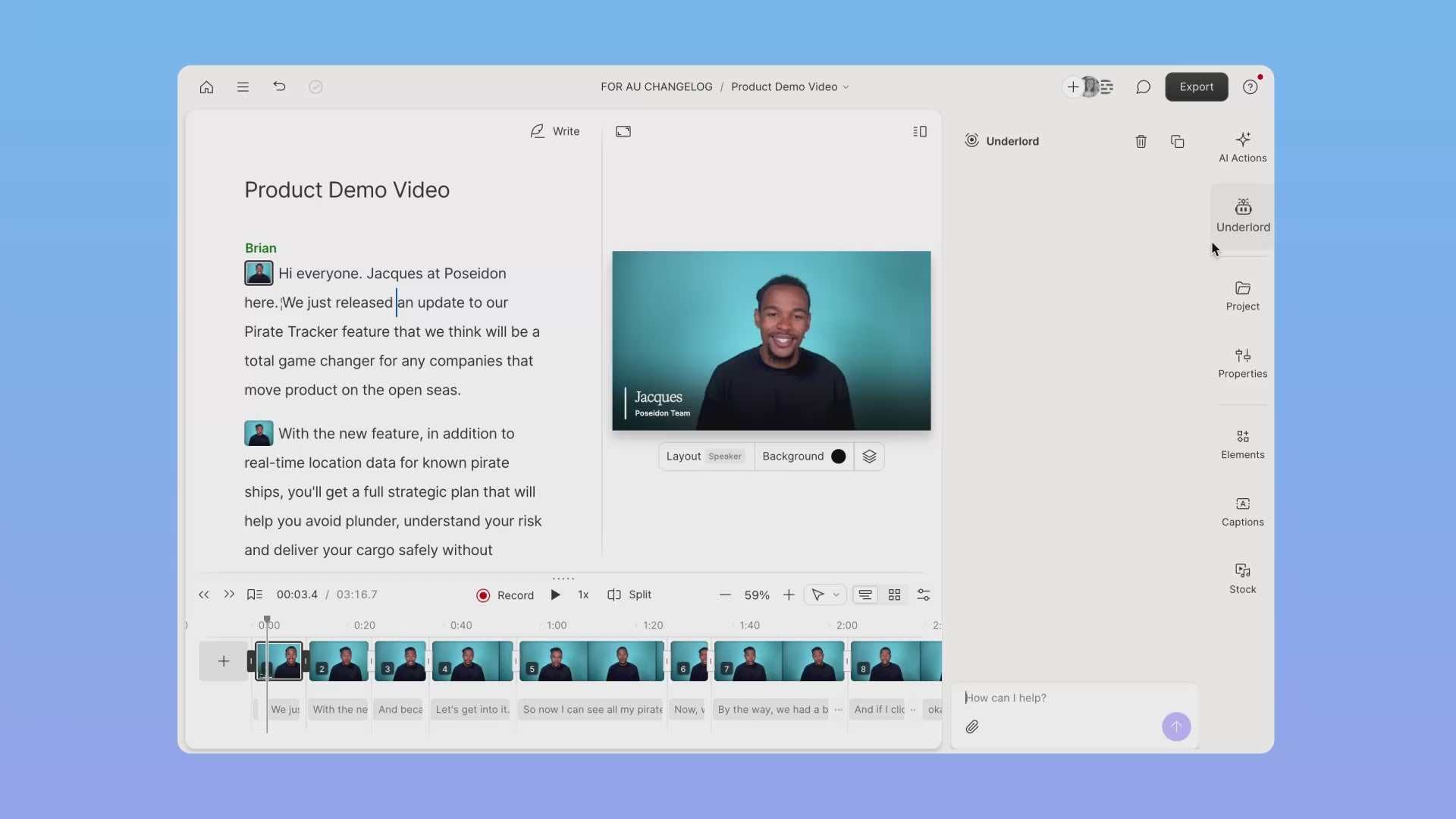
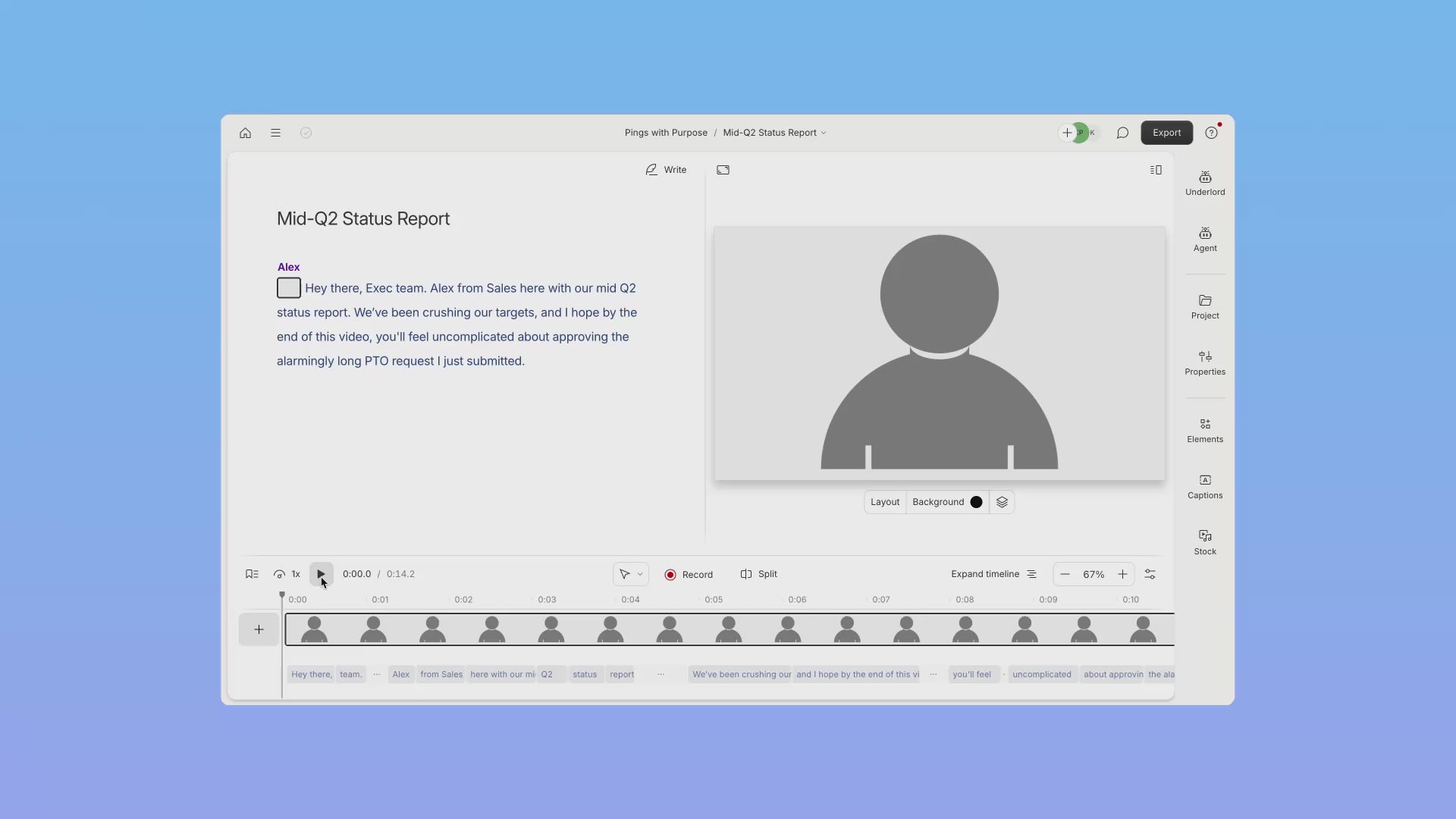
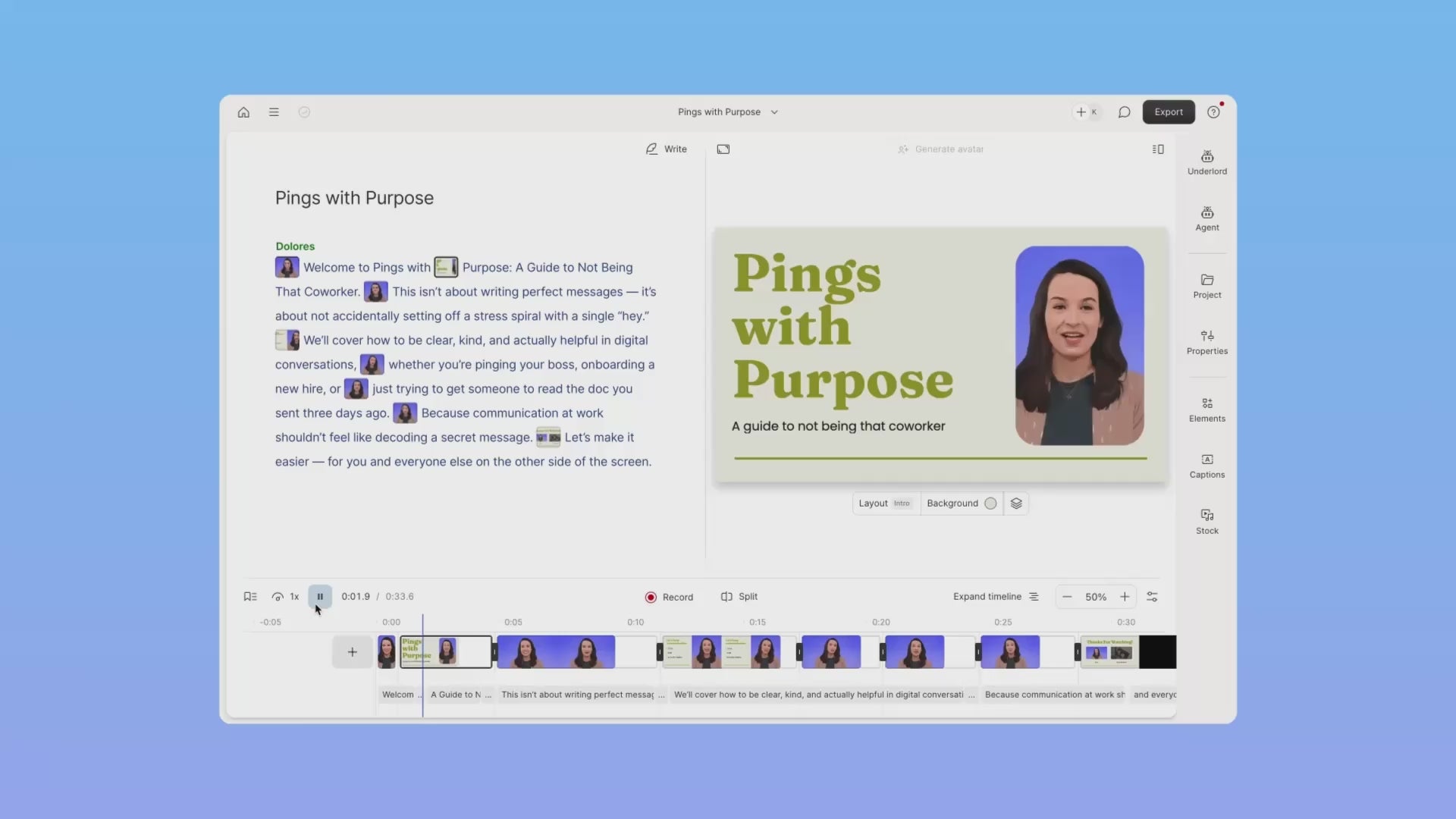
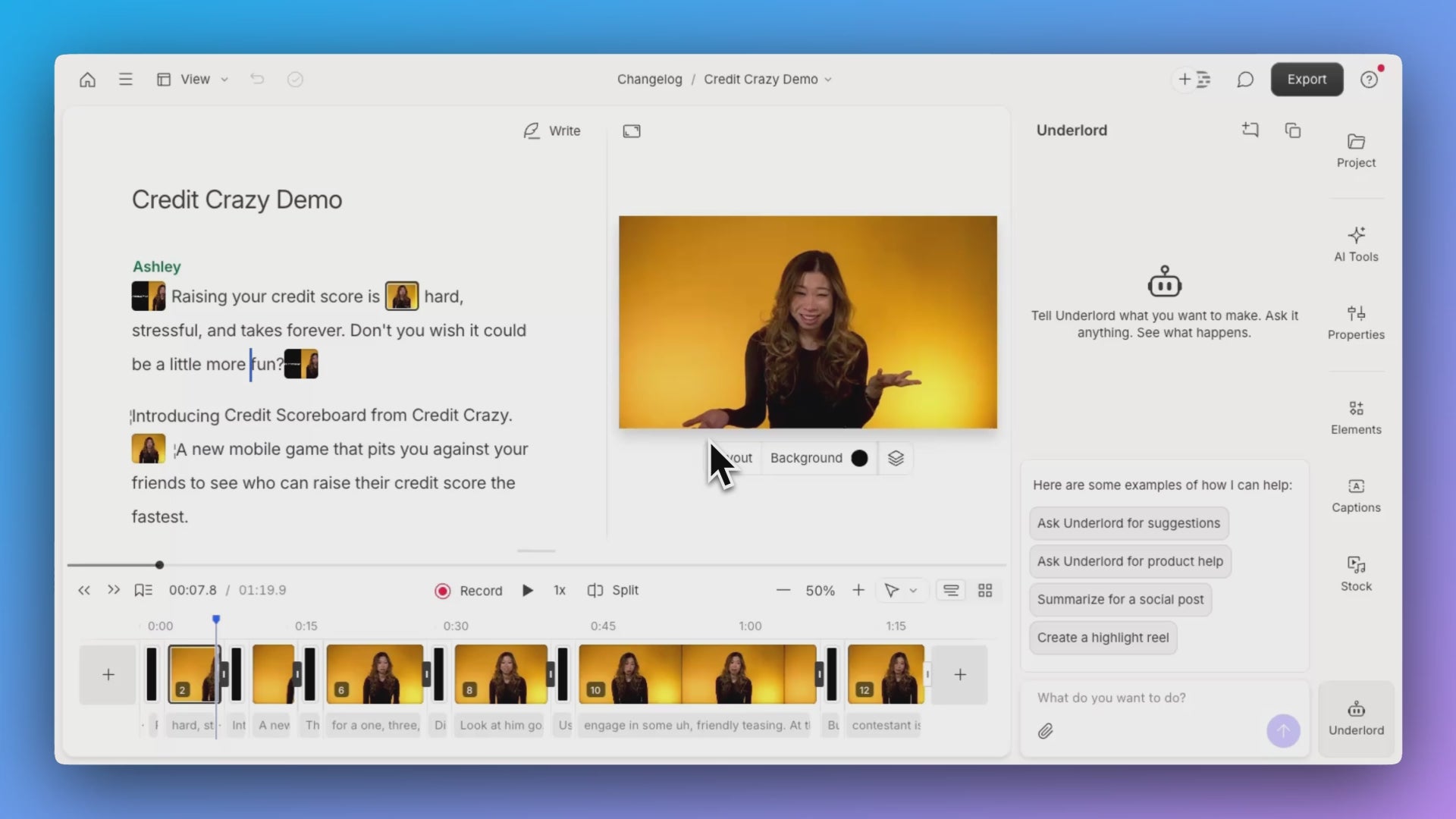
Cut “uhs,” rephrase lines, reorder scenes - by editing text. Descript auto-transcribes your media; delete or change words and your timeline updates instantly. Add captions in a click.
🔹 Features:
🔹 AI transcription; edit-by-text
🔹 Instant captions & social-ready clips
🔹 Multitrack video & audio
✅ Benefits:
✅ Slash editing time - no endless timeline scrubbing
✅ Make clean, on-brand content with fewer takes
✅ Ramp up non-editors quickly (it works like a doc)
🧠 Underlord AI - Your Built-In Video Agent
Tell it what you want; Underlord reads scripts, watches your footage, proposes edits, writes, converts docs/slides to video, and performs bulk changes.
🔹 Features:
🔹 AI script writing & feedback
🔹 Script-to-video conversion
🔹 Bulk edits from prompts
✅ Benefits:
✅ Get to a first cut in minutes
✅ Turn docs into engaging videos
✅ Automate repetitive edits across projects
🎙️ Record Anywhere - Screen, Camera, & Remote
Capture your screen and webcam for explainers or B-roll. Pull recordings in from Zoom and other sources with 1-click imports.
🔹 Features:
🔹 Screen recorder & webcam capture
🔹 Rooms for remote recording
🔹 Zoom, Restream, SquadCast, and more integrations
✅ Benefits:
✅ Seamless ingest from the tools you already use
✅ Crystal-clear remote interviews
✅ Faster handoff from live sessions to edits
✨ AI Cleanup & Visual Polish - One-Click Quality
Fix audio, remove filler, correct eye contact, or swap backgrounds without a physical green screen.
🔹 Features:
🔹 Studio Sound noise/echo removal
🔹 Filler-word removal
🔹 Eye Contact (AI gaze correction)
🔹 AI Green Screen background swap
✅ Benefits:
✅ Pro-quality sound in a click
✅ Tighter delivery with fewer “ums”
✅ Direct-to-camera presence - even without a teleprompter
✅ On-brand visuals anywhere you record
📤 Publish & Share - From Draft to Done
Export files or share instantly; keep your flow inside one workspace from capture to publish.
🔹 Features:
🔹 Export finished media; share links
🔹 Templates, titles, and captions
✅ Benefits:
✅ Fewer tool switches and exports
✅ Consistent, captioned content across channels
📊 Descript Feature Comparison Table
| Feature | Functionality | Benefits |
|---|---|---|
| Text-Based Editing | AI transcription; edit video by editing words; instant captions | Edit faster; intuitive for non-editors |
| Underlord AI | Writes/edits scripts; converts docs/slides to video; bulk edits | Rapid first cuts; automate repetitive tasks |
| Recording & Imports | Screen/webcam capture; Rooms; 1-click imports (Zoom, Restream, SquadCast) | Easy ingest; better remote quality |
| AI Cleanup & Effects | Studio Sound; filler removal; Eye Contact; AI Green Screen | Pro polish with minimal effort |
| Publish/Export | Share links; export media; templates & titles | Smooth handoff to social & delivery |
🚀 Why Choose Descript?
✔ Edit Like Writing - If you can edit a doc, you can edit video
✔ AI That Does the Busywork - Cleanup, gaze, backgrounds, and bulk edits handled for you
✔ Integrated Workflow - Record, import, edit, and publish in one place
✔ Scales from Creator to Team - Multitrack projects, remote recording, and rich integrations
✔ Future-Forward - Underlord keeps getting smarter for script-to-screen creation
💼 Descript is Perfect for Teams Looking to:
🔹 Produce explainers, course videos, podcasts, and social clips at scale
🔹 Convert internal docs, slides, and screen recordings into engaging videos
🔹 Clean up audio/video quickly without specialized gear
🔹 Streamline post-production with simple imports and instant captions
“Edit video and audio as easily as editing text - record, transcribe, edit, and publish in one tool.”
“Underlord can read your script, watch your video, make suggestions, and turn content into video.”
“Studio Sound removes background noise and echo with a single toggle.”
“Fix your gaze so it looks like you are speaking directly to the camera - no teleprompter required.”
Visit the provider directly on our Affiliate Link below:
https://descript.com
